
.png)
.png)
.png)
Item Editor
Manage item numbers, descriptions, pricing, cost, barcodes, locations, units of measure, serial tracking, images, eCommerce fields, variants and kits from one record.
See how it works →ProBuild ERP connects point of sale, inventory, purchasing, accounting, payroll, customer management, reporting, eCommerce, and warehouse operations into one powerful operating system designed specifically for building supply dealers.
Instead of bolting together separate tools, ProBuild ERP brings core business workflows into one consistent experience.
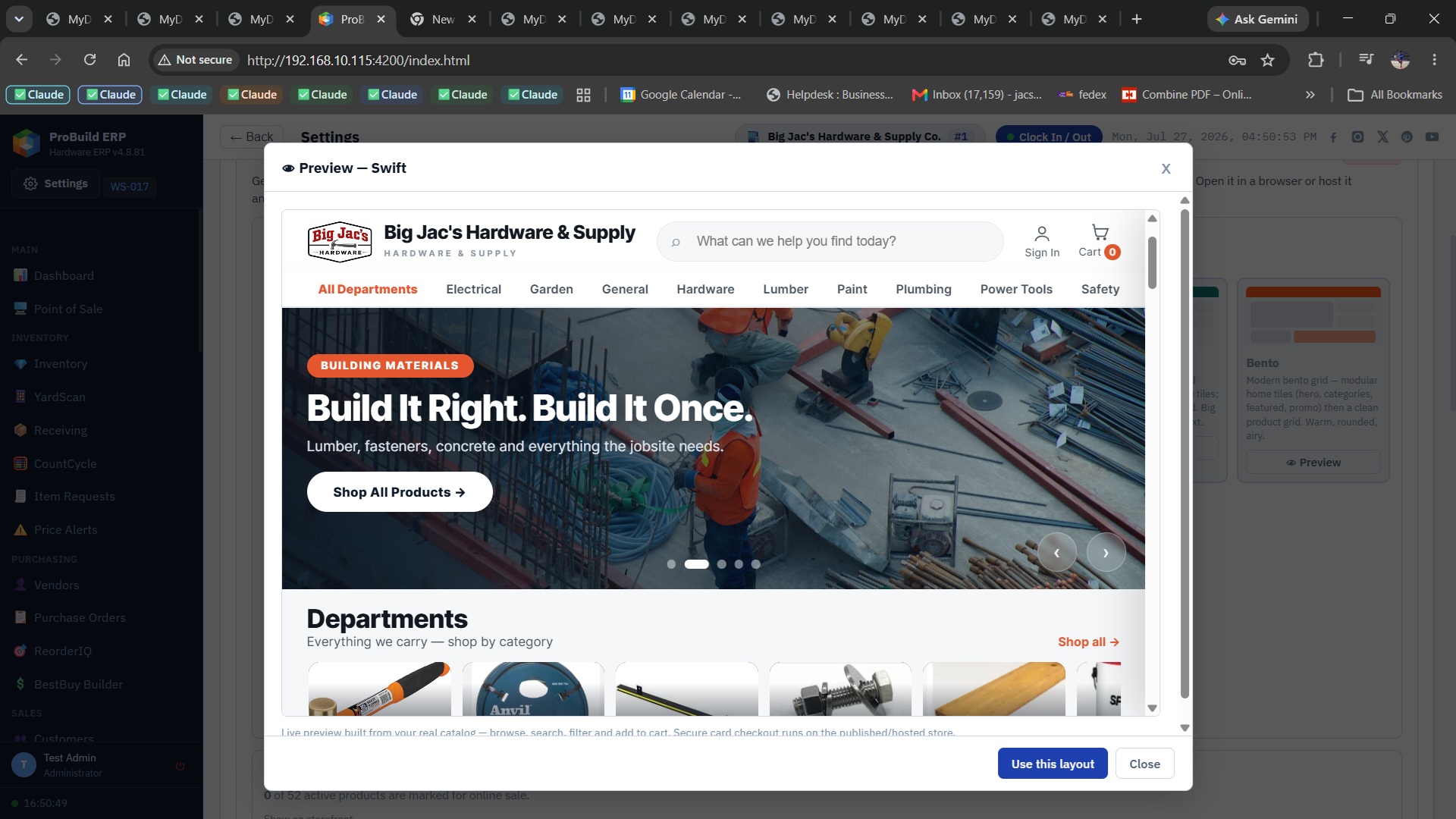
Give customers a modern branded storefront powered by the same product catalog, pricing and inventory information your team uses inside ProBuild ERP.
Publish online products from your real catalog so customers can browse current items, departments and availability.
Showcase departments, featured products and promotions in a professional storefront built for hardware and building supply.
Online activity stays connected to ProBuild ERP instead of creating a separate catalog and disconnected order system.
Compare vendor costs line by line, select the best source and automatically create split purchase orders by vendor.
See how BestBuy works.png)
When inventory arrives, instantly identify backordered lines that can be filled and move customers toward pickup, delivery or invoicing.
See how BackfillIQ works.png)
Monitor revenue, margin, ticket size, payment mix, departments and top items from a visual executive dashboard.
Explore reporting.png)
Online customers can see current availability and pricing drawn from the same operating data used in-store. B2B customers can review invoices, statements and balances, then pay online by credit card or ACH.
.png)
Select any screen to view it larger.
Manage item numbers, descriptions, pricing, cost, barcodes, locations, units of measure, serial tracking, images, eCommerce fields, variants and kits from one record.
See how it works →.png)
Bring purchased goods into stock, update costs, allocate freight into landed cost, create the vendor bill and post the general ledger automatically.
See how it works →.png)
Create vendor POs with live totals, print or email them, then receive full or partial shipments against the original order.
See how it works →Control credit limits, holds, price groups, tax authority, terms, billing and shipping addresses, invoice email, statement delivery and account history.
See how it works →.png)
See revenue, expenses, net income, AP and AR while sales, receipts, payments, memos and stock adjustments create balanced journal entries automatically.
See how it works →.png)
Manage time-clock hours, pay periods, earnings, taxes and deductions, then post completed pay runs directly to the ledger.
See how it works →.png)
Schedule and dispatch deliveries with assigned trucks, drivers, delivery dates and visible status for pickup and delivery operations.
See how it works →.png)
Run sales, inventory, AR, AP, financial and payroll reports with sortable results, totals, print output and export options.
See how it works →Analyze vendor choices, split a buy across suppliers and create draft purchase orders designed to meet pricing and minimum requirements.
See how it works →Open the live system and explore the workflows yourself.
Try ProBuild — Click Here